Five apps, one idea
Whether you are beginning, returning to Japanese, or building speed, each game keeps English and Japanese in the same play session. The challenge changes, but both languages stay together.

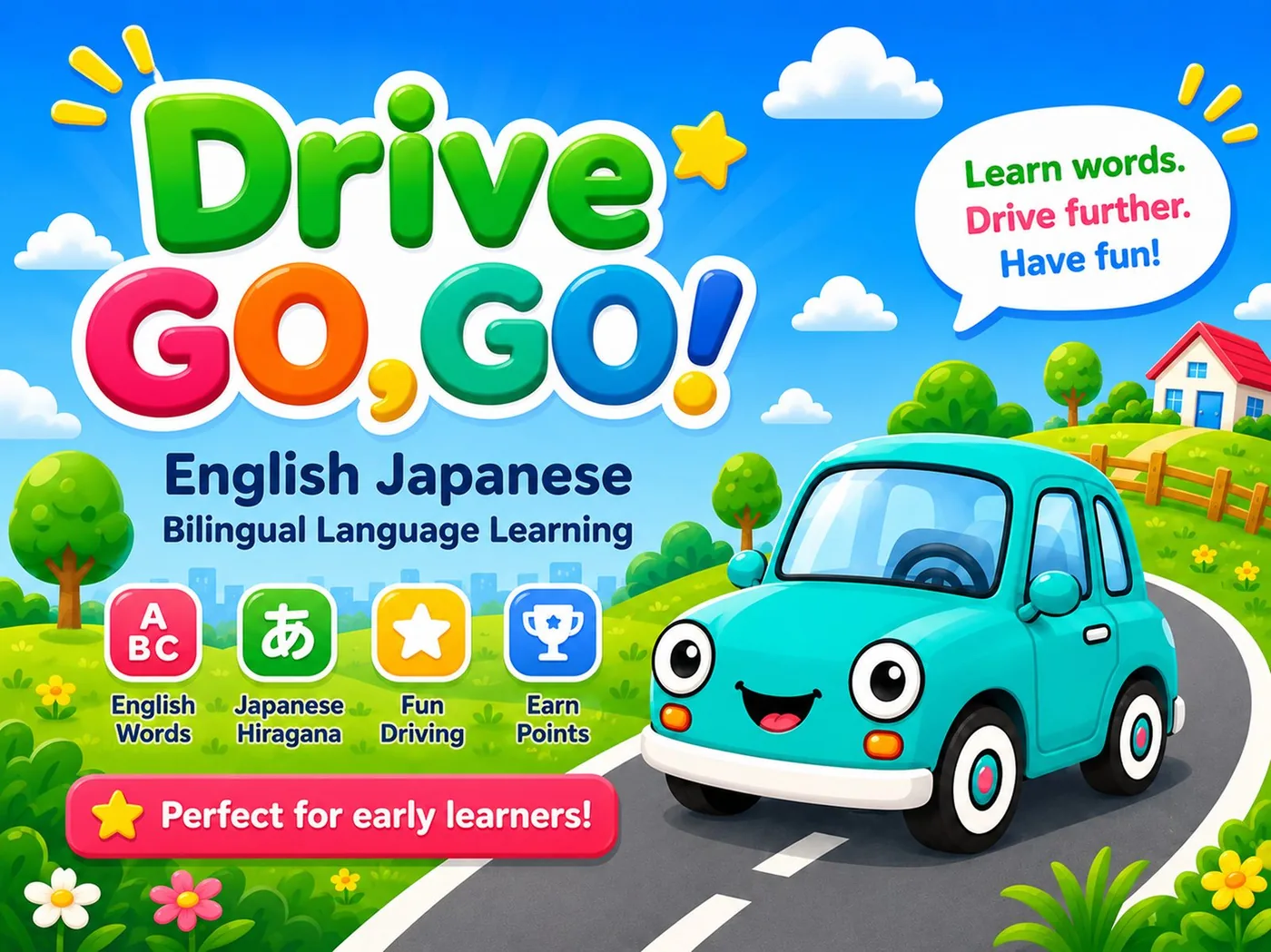
Drive Go Go
Learn words. Drive further. Have fun.
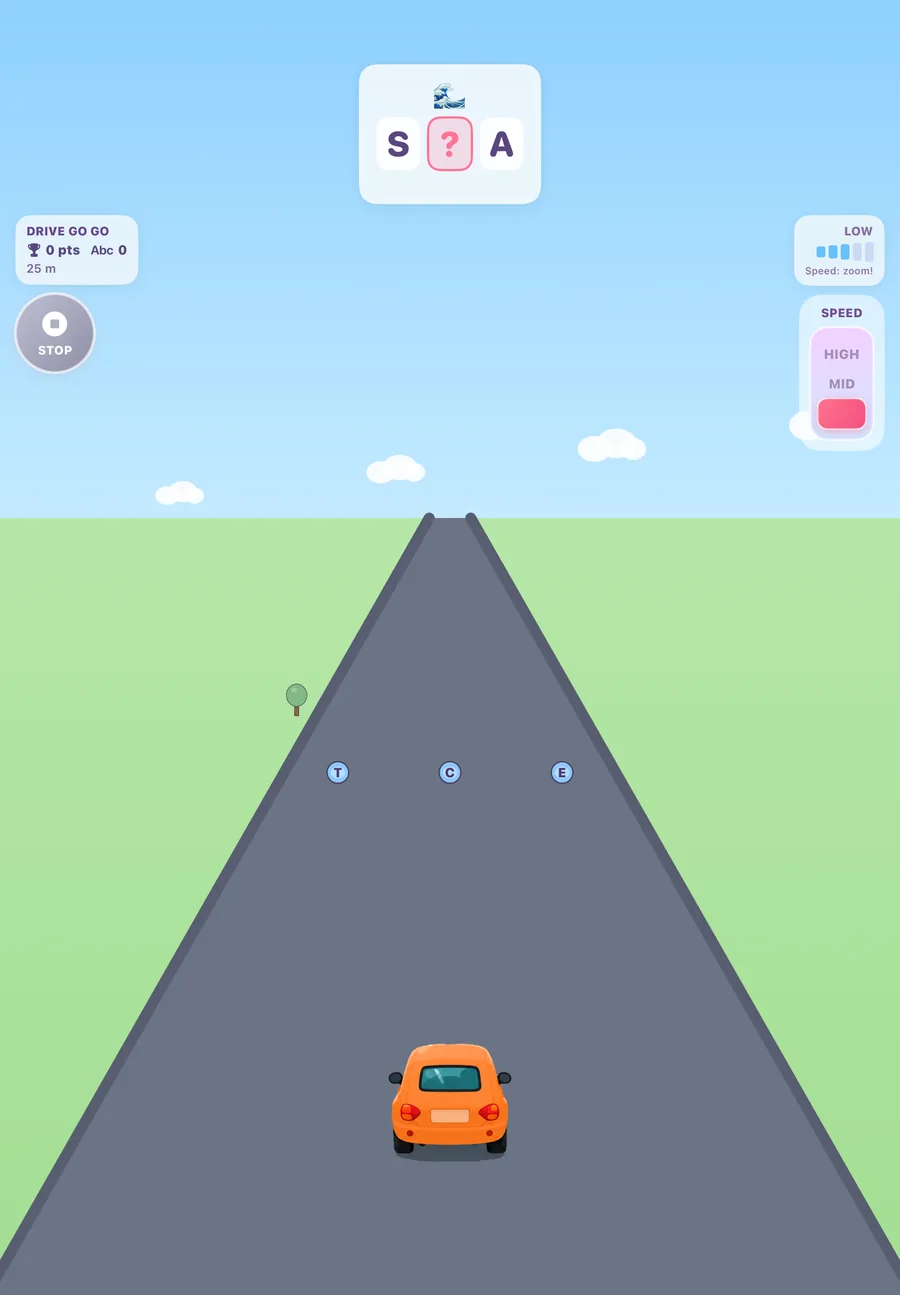
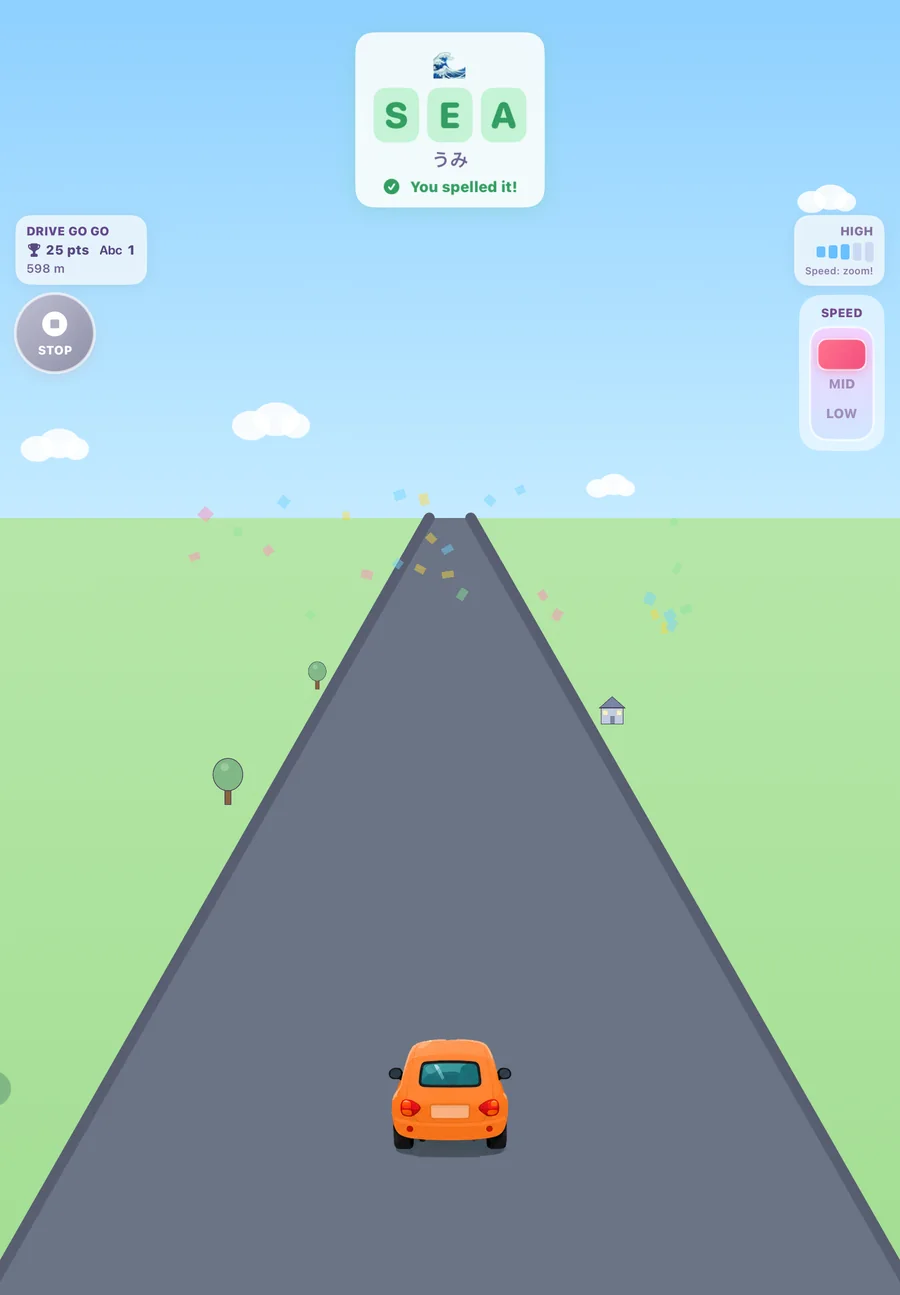
A gentle driving-and-spelling game for beginning learners. A word appears with one letter missing — collect the right letter from the road while you drive.
The calmest game in the series, and the best starting point. There is no timer and no game over: the run just keeps going, so anyone still sounding words out has time to think.
- 180
- word pairs
- 4+
- age rating
- Free
- to play
How to play
- 1Hold the device in landscape, flat like a tray, and tilt gently to move between three lanes.
- 2The banner at the top shows a word with one letter missing, plus an emoji hint for what it means.
- 3Collect the correct letter from the road. Pick up the wrong one and nothing bad happens — keep driving and try again.
- 4Drag the gear shifter for LOW, MID, or HIGH speed. Cones, boxes and flowers slow you down, so steer around them.
- 5Spell words in a row to build a combo.
What's inside
- 180 English–hiragana word pairs, shown together after each correct answer
- Pick English or Japanese (hiragana) under Grown-ups
- Short words for beginning learners — 2 to 4 letters, or 2 to 4 kana
- Emoji hints, so meaning stays clear even when the word is still new
- Cars with their own powers: Magnet, Turbo, Bouncy, Hopper
- Grown-ups can also set the road theme, metres or miles, and sound
- No timer, no game over, no ads, no third-party analytics
- Free to play. Optional one-time Drive Go Go Pro unlock ($2.99) behind a grown-up gate
From the app
Bilingual Samurai
Slice the spelling.
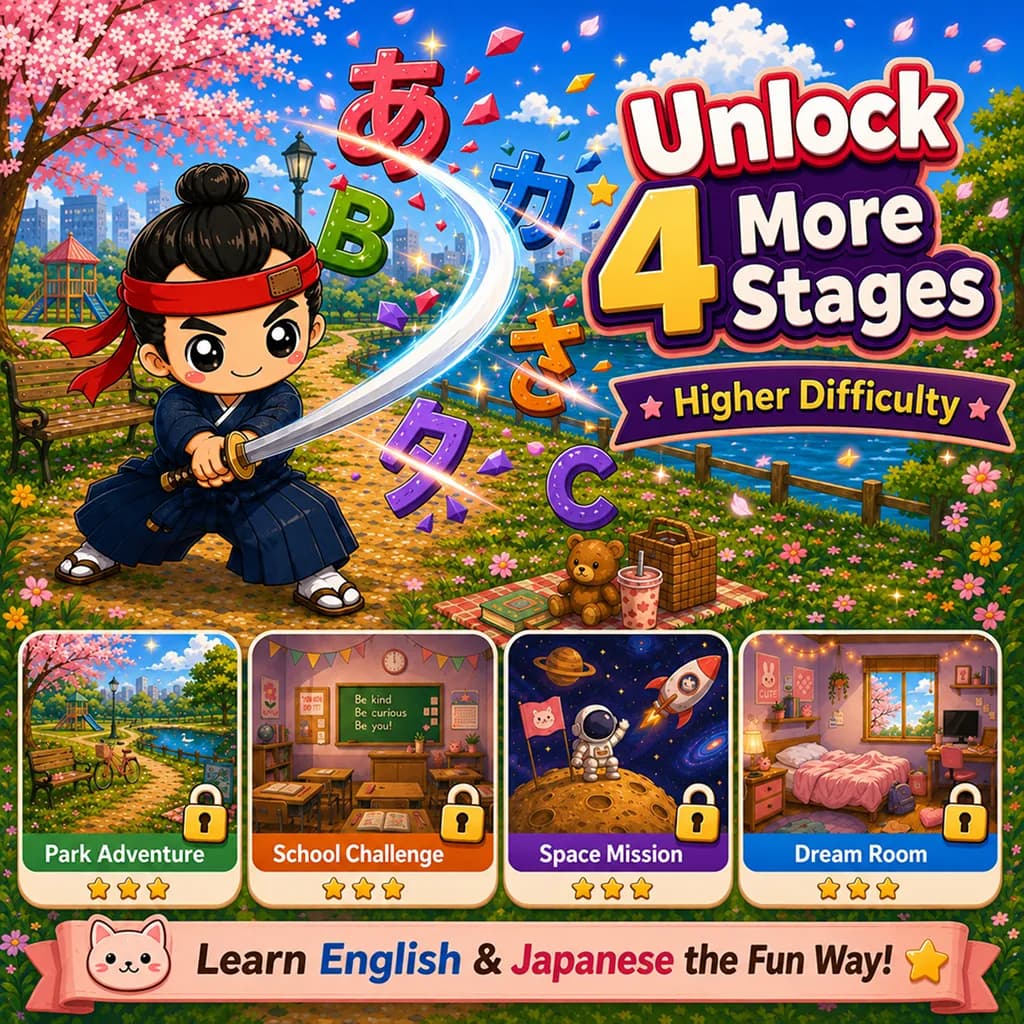
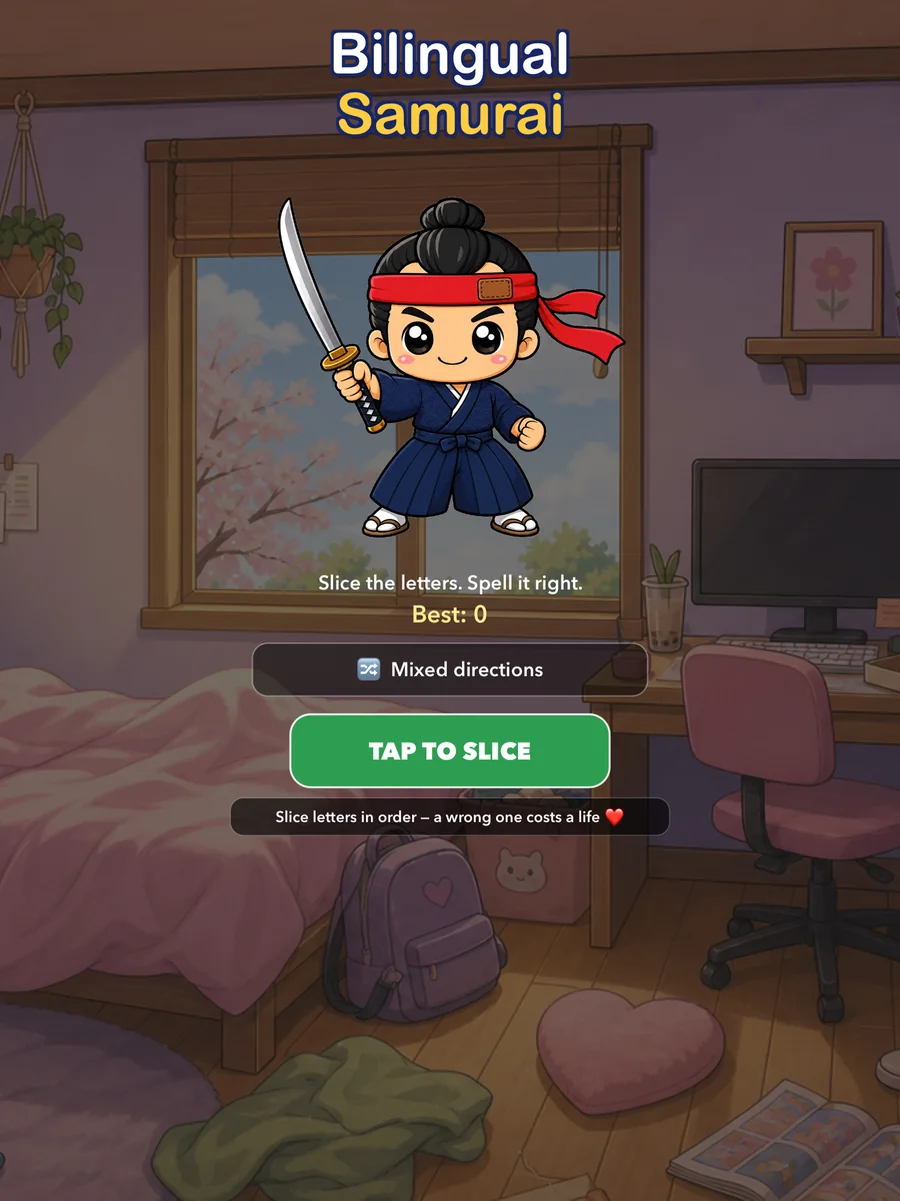
A fast slicing game. A word appears, letter and kana tiles fly up from below, and you slice them in the right order before time runs out.
The reflex game of the series. Reading fast is a skill of its own, and this is where it gets built — under a clock, with decoys mixed in, in whichever direction you choose.
- 182
- word pairs
- 5
- stages
- 10
- categories
How to play
- 1A word appears at the top of the screen. Letter and kana tiles fly up from below.
- 2Slice them in the correct order to spell the answer before time runs out.
- 3Slice a decoy or an out-of-order tile and you lose a life.
- 4Chain correct slices together to build combos and push your score up.
- 5Pick your direction: English to Japanese, Japanese to English, or Mixed for both at random.
What's inside
- 182 curated word pairs across 10 categories — animals, food, colours, numbers, family, body, nature, objects, time and adjectives
- Three directions: EN→JP, JP→EN, or Mixed
- 5 stages, each with its own look and pace: Bedroom, Park, Classroom, Sky and Space
- Power-ups — Whetstone doubles your score, Incense slows the tiles, Fan nudges the tile you need toward your blade
- Game Center leaderboards
- Bedroom stage free, then one single unlock. No ads, no subscriptions
From the app

Bilingual Ninja
Master words. Outsmart the oni.
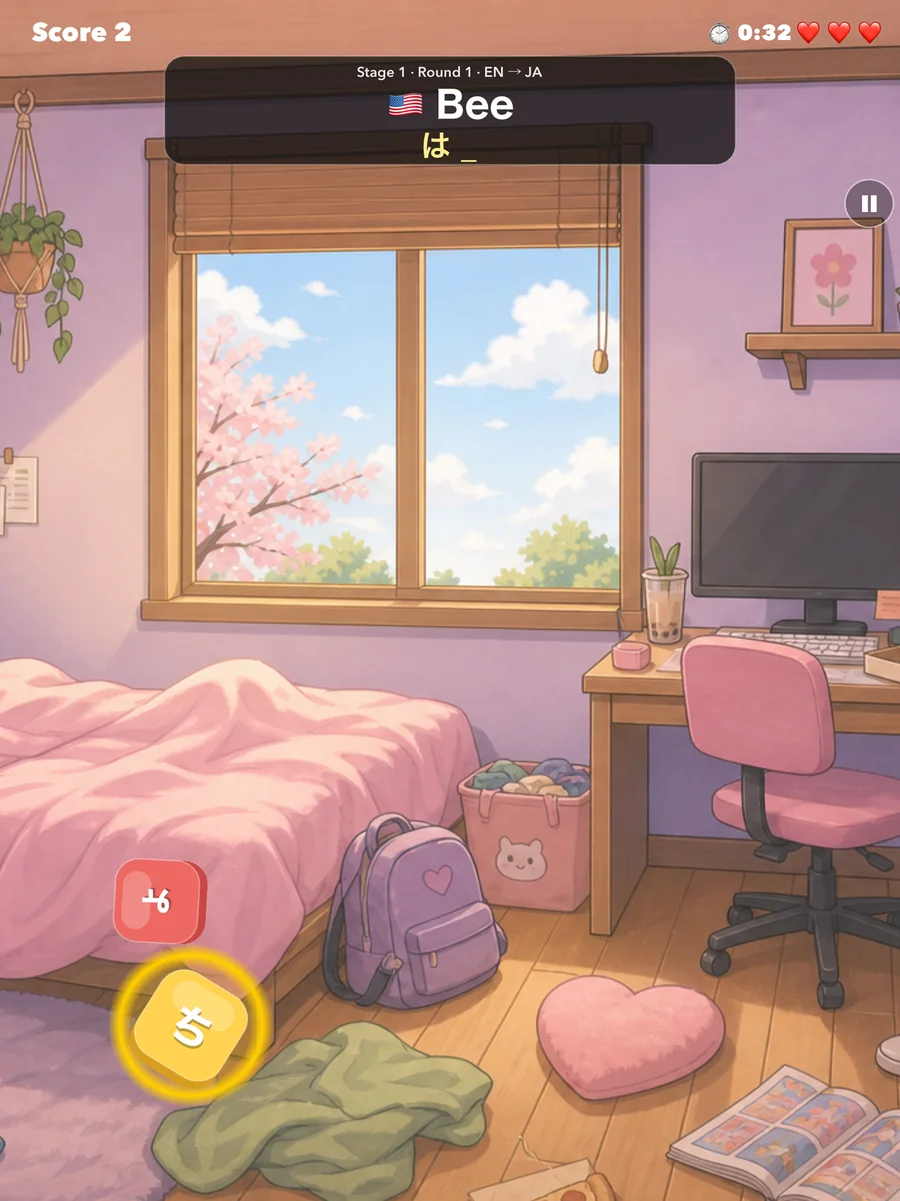
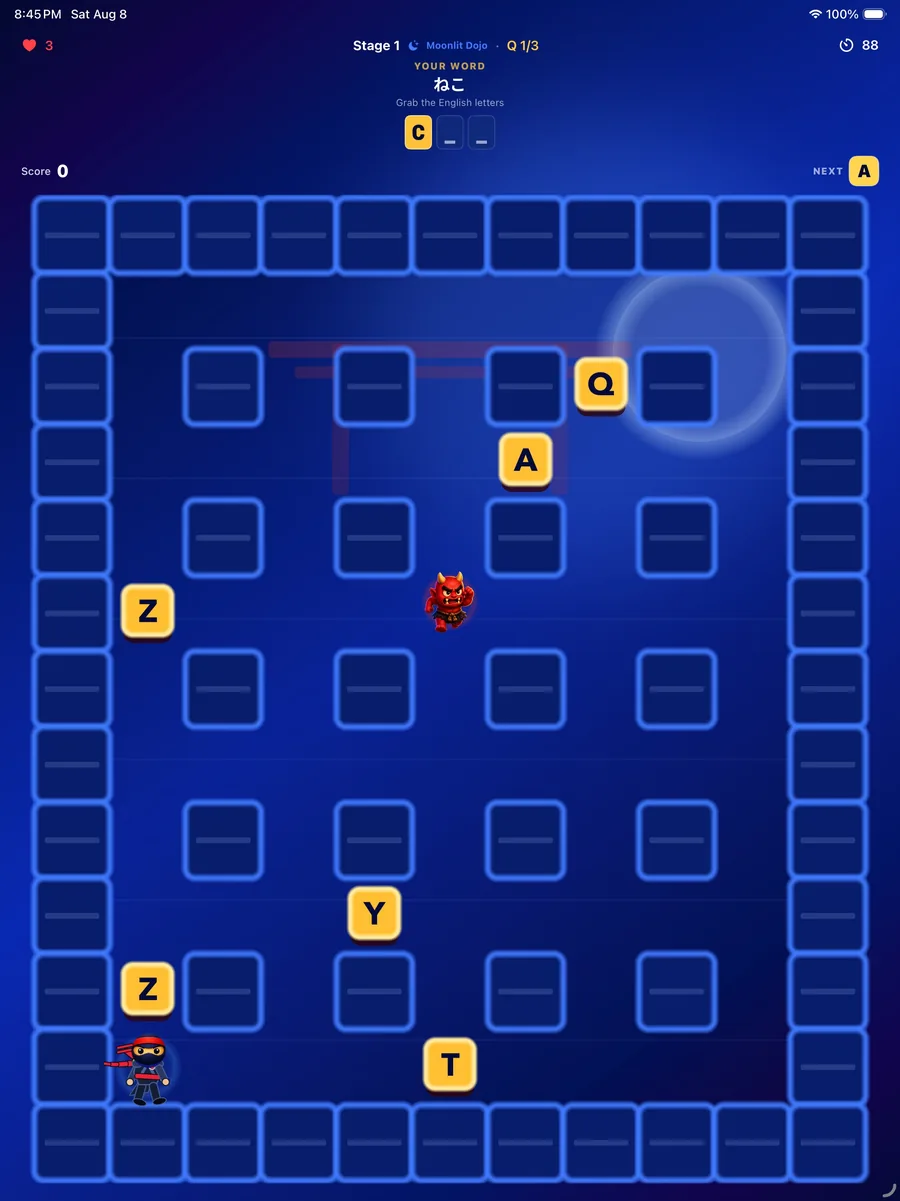
A maze game. A word appears with blanks in it — find the letters that fill them, in order, while oni patrol the maze.
The thinking game of the series. You can see the letter you need across the maze; the problem is the route, the clock, and the oni walking it. Planning and spelling at the same time.
- 93
- word missions
- 10
- stages
- 1
- free stage
How to play
- 1Use the direction pad to move your ninja through the maze.
- 2The word at the top has blanks. Collect the letters that fill them — in order.
- 3Decoy letters are scattered around, so read before you grab.
- 4Oni patrol the maze. Touch one and you lose a life. You have three, and a clock.
- 5Choose what to practise: Japanese, English, or Mix.
What's inside
- 93 word missions across 10 stages
- Mazes are generated fresh each run and grow larger as stages go up
- Three practice modes: Japanese, English, or Mix
- More enemies, faster oni and harder words with every stage
- Stage 1 — a three-word mission — is free
- Unlock stages one at a time, or open all remaining stages at once. No ads
From the app

Kotoba Quest
Match words. Meet new worlds.
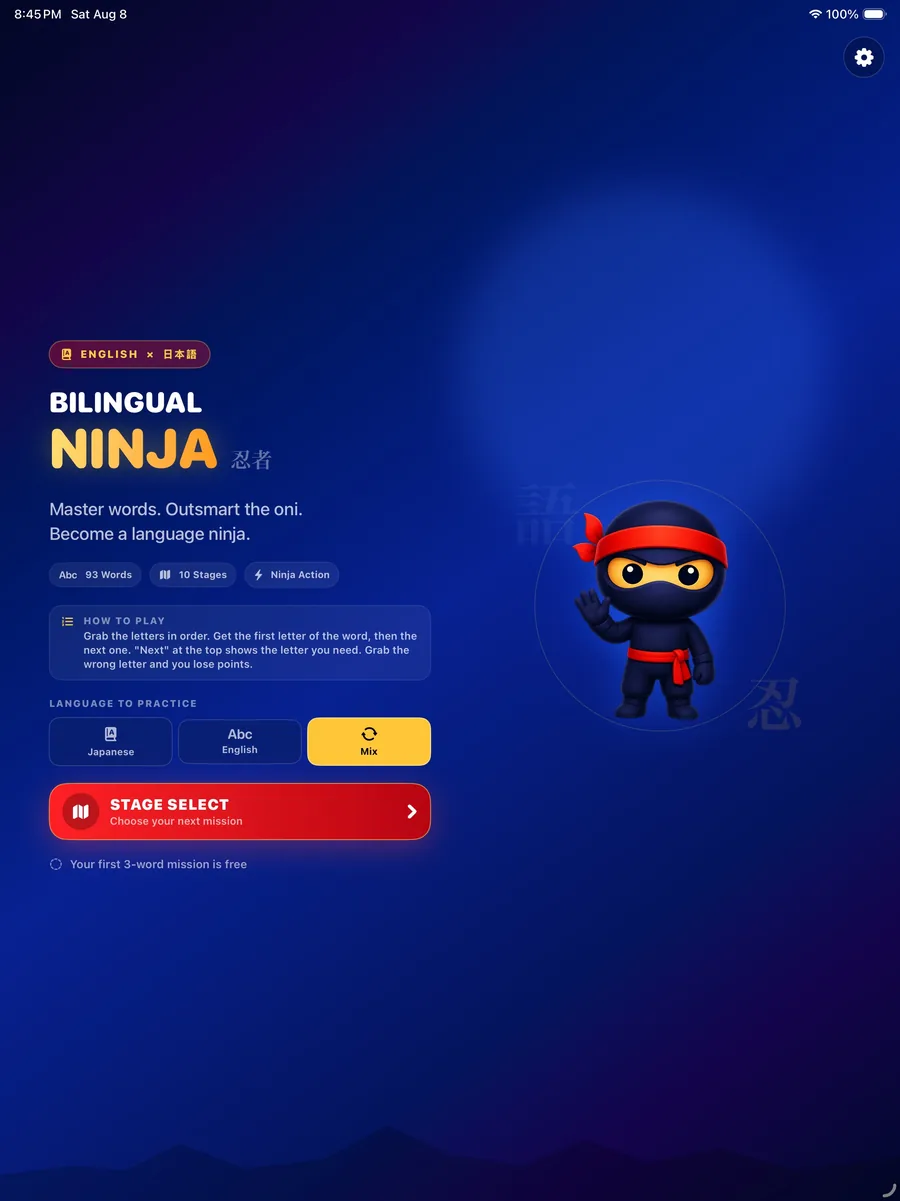
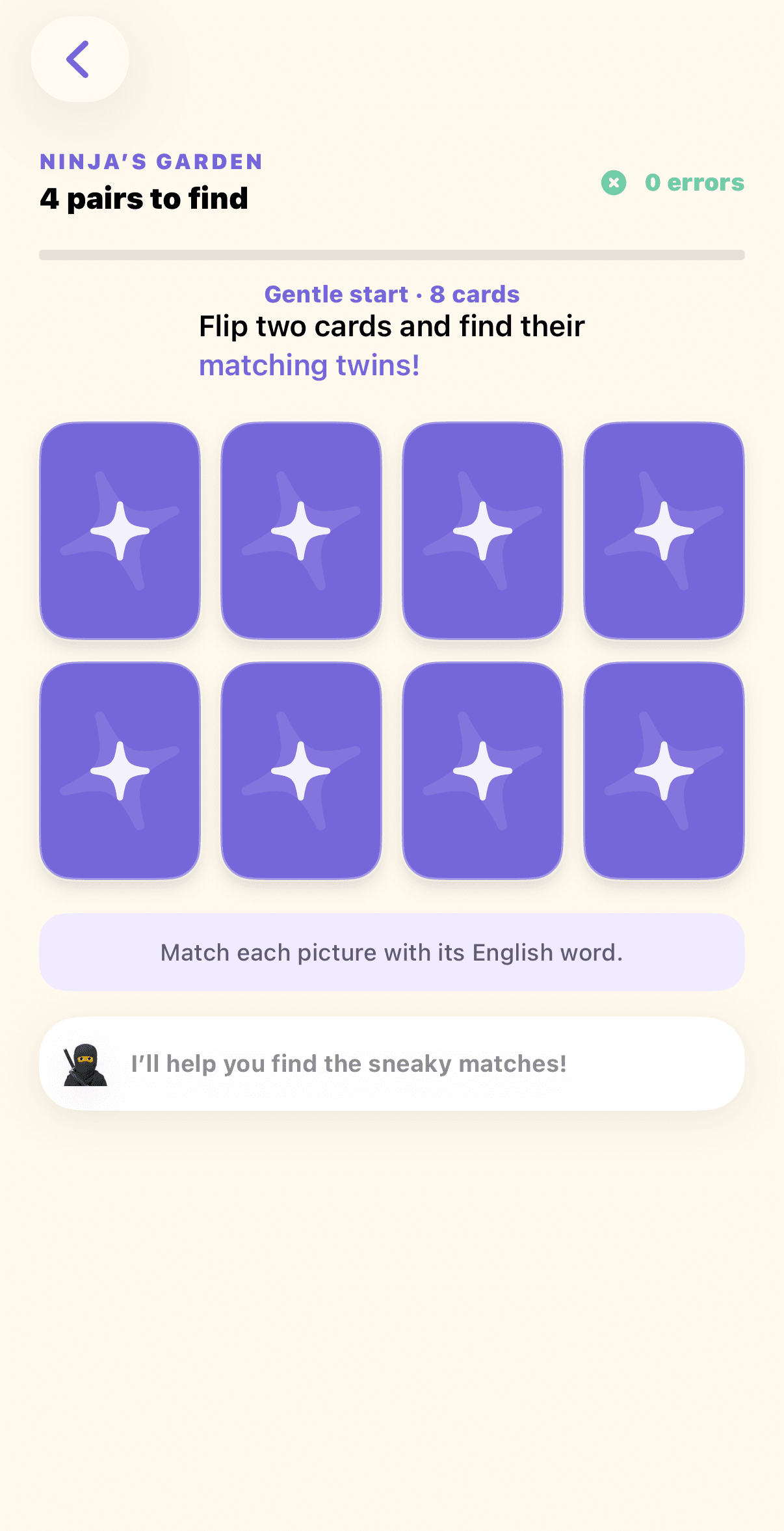
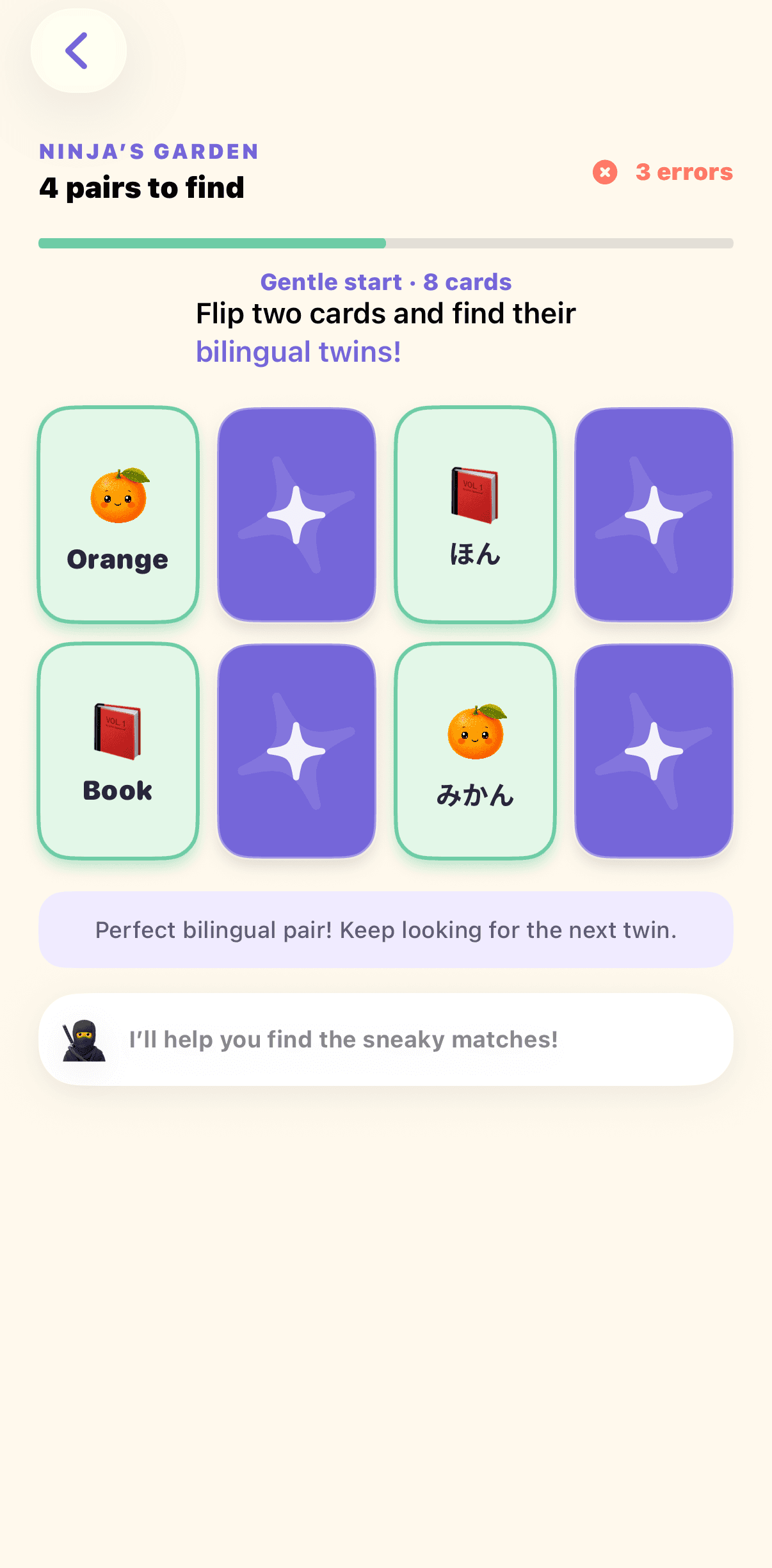
A bilingual memory adventure you can enjoy solo or online with friends. Flip cards, connect English words with their Japanese twins, and travel through playful word worlds with a new companion in each one.
The memory game of the series. Kotoba Quest turns the familiar matching-card rhythm into gentle bilingual practice: pictures welcome beginners, while Mix mode gives more confident learners a direct English–Japanese challenge.
- 14
- word worlds
- 3
- card modes
- 2
- free worlds

How to play
- 1Choose Japanese, English, or Mix before you enter a word world.
- 2Flip two cards and look for a matching picture-and-word pair. In Mix mode, an English card matches its Japanese twin.
- 3Keep the pair when it matches. If it does not, the cards turn back over so you can remember their places.
- 4Find every pair to clear the world and record your best round with the fewest mistakes.
- 5With the all-worlds unlock, play Online Match with a friend or another Game Center player and take turns on one shared board.
What's inside
- 14 word worlds, from Ninja’s Garden and Samurai’s Dojo to Sakura’s Blossom Festival and Emperor’s Sky Keep
- Three card modes: picture + Japanese, picture + English, or English ⇄ Japanese Mix
- Boards grow from 4 pairs to 12 pairs as the journey continues
- A different companion and encouraging line in every world
- The first two worlds are free to play
- One all-worlds purchase opens the full journey and Online Match, so you can play with friends. No ads or subscriptions
From the app
Word Fall
Make words. Clear the sky.
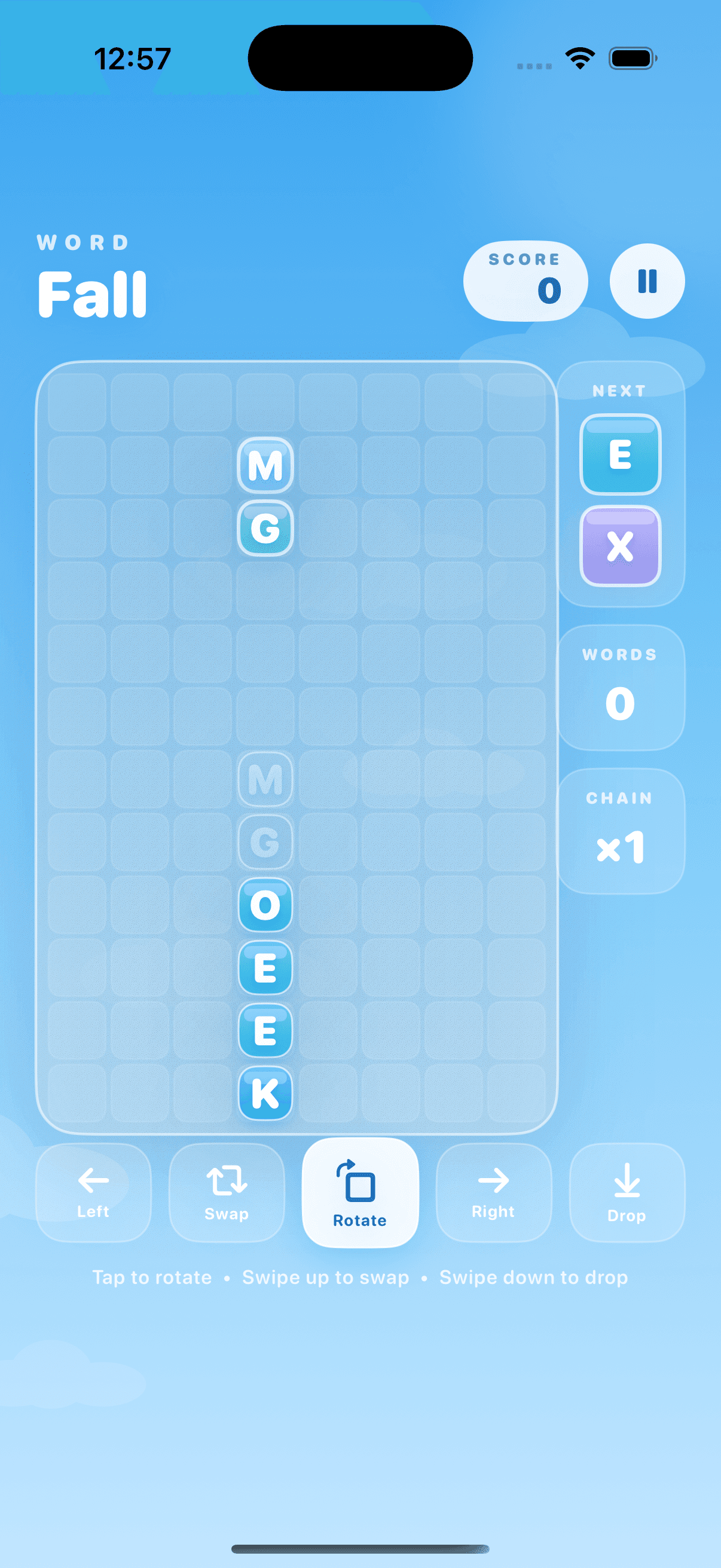
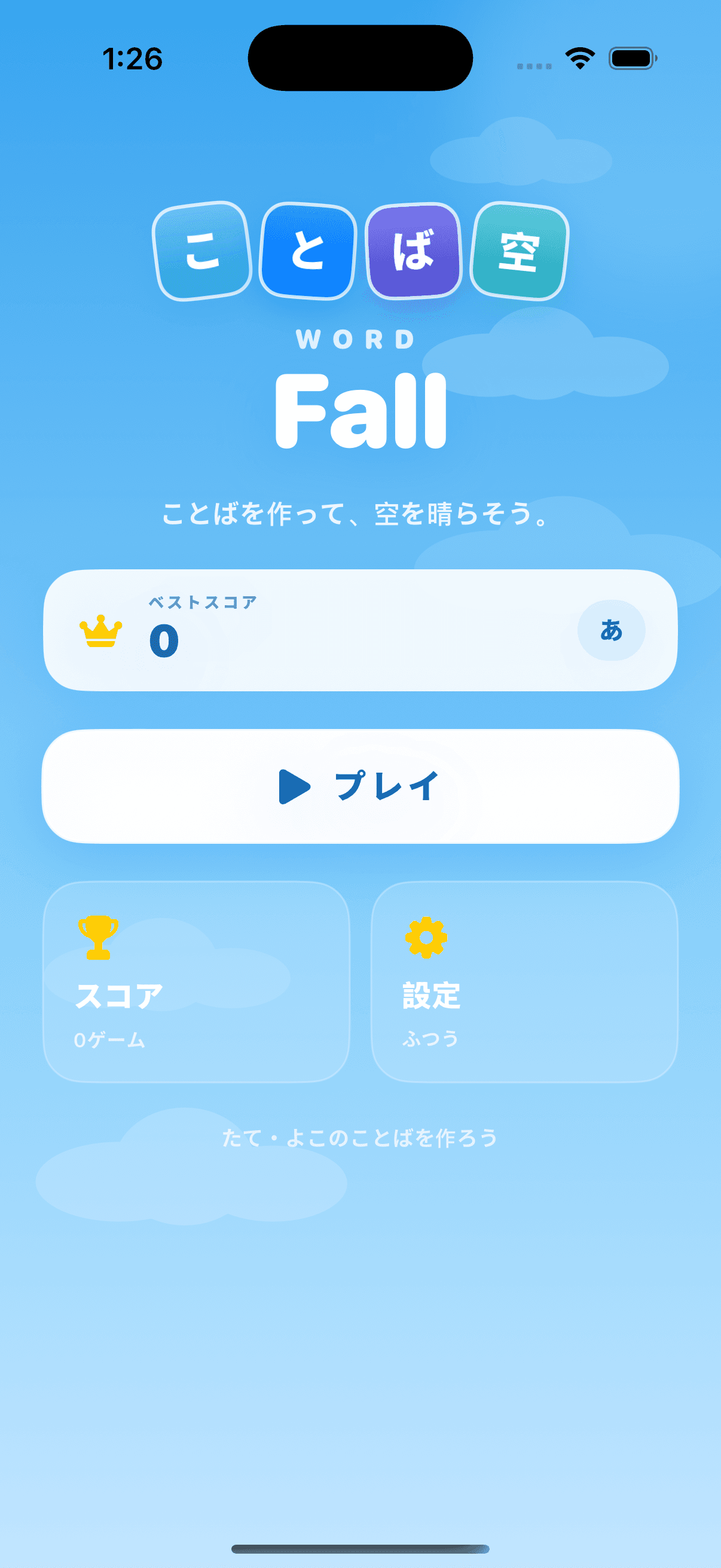
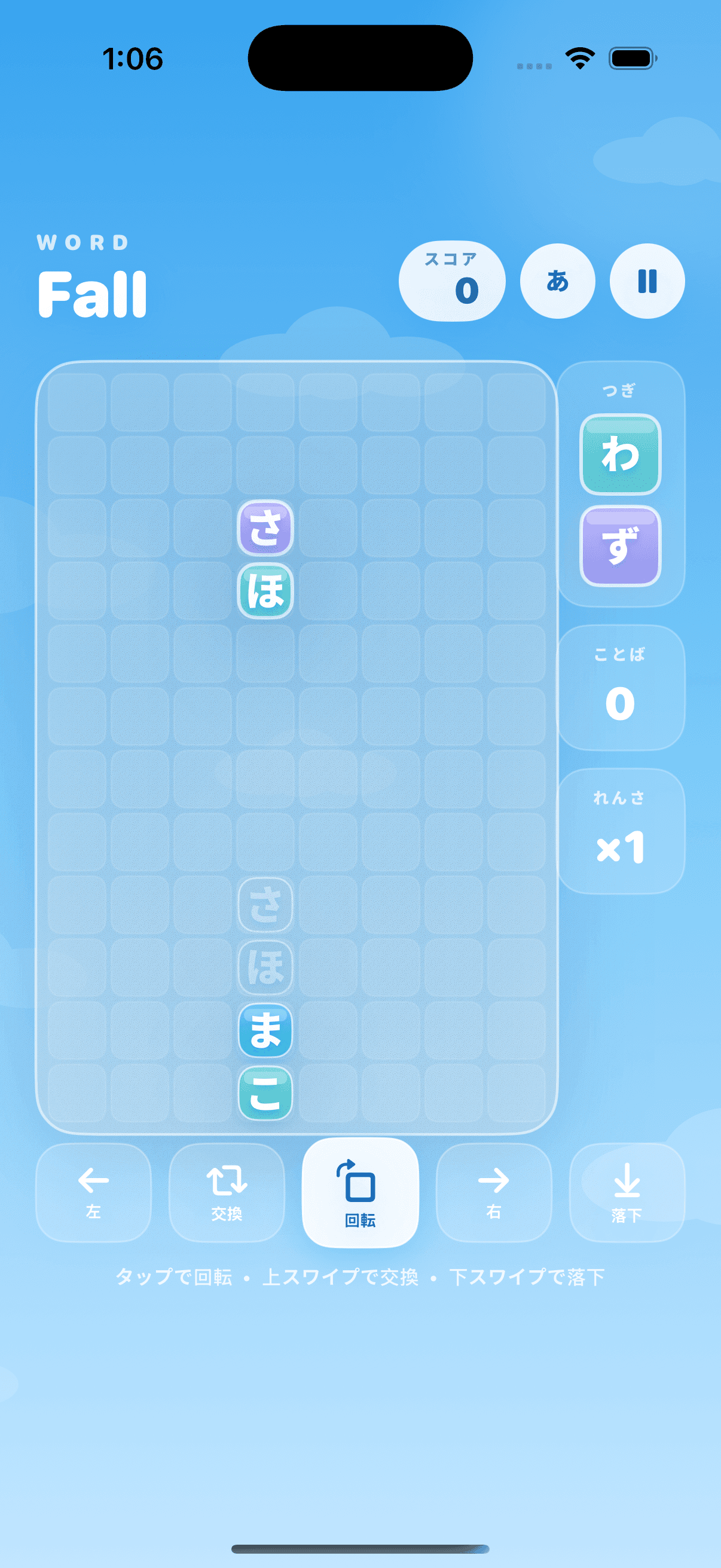
A falling-letter puzzle for learners building fluency. Guide two-letter pieces into an 8 × 12 board, then make words across and down to clear the sky.
Word Fall turns the satisfying rhythm of a falling-block puzzle into English and Japanese word practice. There is room to plan, rotate and swap each pair — then a good word can set off a chain reaction.
- 8 × 12
- letter board
- 2
- languages
- 10+
- recommended age
How to play
- 1Choose English letters or Japanese hiragana before you play.
- 2Move the falling two-letter piece left or right, then tap to rotate it.
- 3Swipe up to swap the pair and swipe down to place it quickly.
- 4Make words horizontally or vertically to clear tiles and trigger chain reactions.
- 5Clear the target word for a bonus and build your score in Classic or Daily Challenge.
What's inside
- English words of three or more letters and Japanese words of two or more hiragana
- Carefully curated everyday Japanese and English vocabulary
- Touch gestures or optional on-screen controls
- Classic mode, Daily Challenge, local best scores and score history
- Portrait-first play on iPhone; portrait and landscape play on iPad
- A parent area for support, privacy information and unsuitable-ad reporting
- Child-directed, non-personalized banner advertising with a General content rating
From the app

TwinkleTouch
A little world of light and sound.
Calm, touch-driven sensory play for babies and young children. Taps and finger trails create glowing stars, colorful ribbons, and soft musical sounds.
TwinkleTouch keeps play simple: there are no scores, levels, instructions, or ways to get it wrong. A grown-up chooses the sound options, helps start Guided Access, and stays nearby while each touch brings the night sky to life.
- 3 min
- free play
- 1
- one-time unlock
- 0
- ads

How to play
- 1A grown-up chooses touch chimes and optional surprise music on the welcome screen.
- 2Tap Begin, then follow the on-screen Guided Access reminder to help keep the device inside TwinkleTouch.
- 3Tap, press, and drag anywhere on the play screen to make stars, light trails, and gentle sounds.
- 4To finish, a grown-up holds the Parent control for four seconds and completes the simple maths check.
What's inside
- Responsive stars and light trails that follow every finger
- Optional soft chimes and short surprise melodies
- No scores, timers, text prompts, ads, or third-party analytics
- Designed for nearby adult supervision, comfortable volume, and regular screen breaks
- Guided Access reminder plus a grown-up gate for leaving play and reaching the purchase
- Three minutes of free play, then one optional one-time full-access purchase
- Works on iPhone and iPad; play itself does not need an internet connection
From the app


Not sure where to start?
Start with Drive Go Go for gentle spelling practice, or Kotoba Quest for picture-supported memory matching. Choose Bilingual Samurai when reading speed is the goal. Bilingual Ninja adds the hardest challenge: spelling while planning a route at the same time.
More apps are coming
The series keeps growing. New apps join the same family: playful first, bilingual by design, gentle with mistakes.