Kotoba Quest
Match words. Meet new worlds.
A memory card game in Japanese and English. Flip cards and find matching words and pictures. Play alone or online with friends.
Online Match
Play online with friends
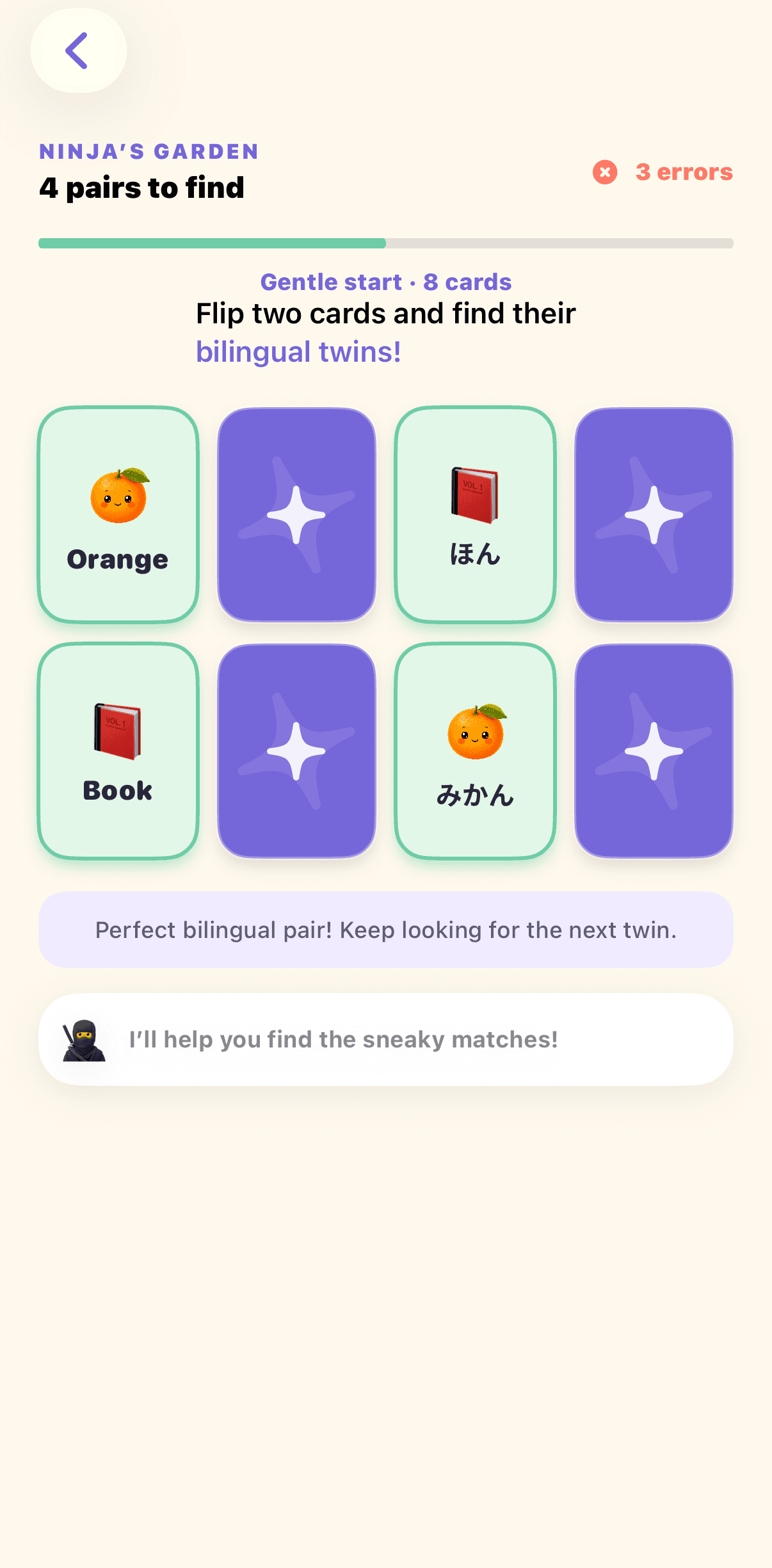
Invite a friend or match with another Game Center player, then take turns flipping cards on one shared bilingual board. Remember where each word is hiding and collect the most pairs to win.
Online Match requires Game Center and an internet connection.
What it is
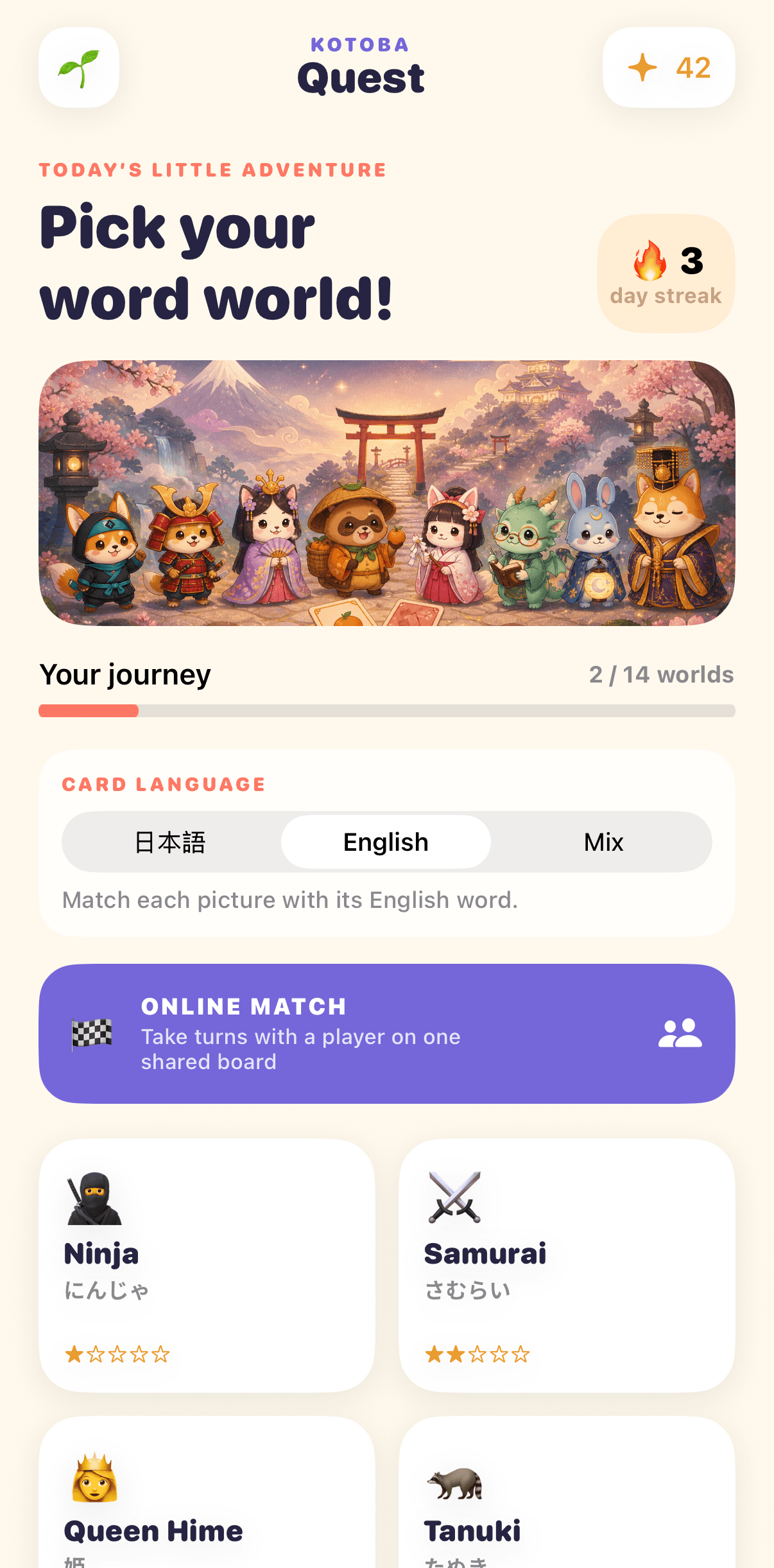
Start with pictures and words. For a harder game, choose Mix mode and match English words with Japanese words.
- 14
- word worlds
- 3
- card modes
- 2
- free worlds
How to play
- 1Choose Japanese, English, or Mix before you enter a word world.
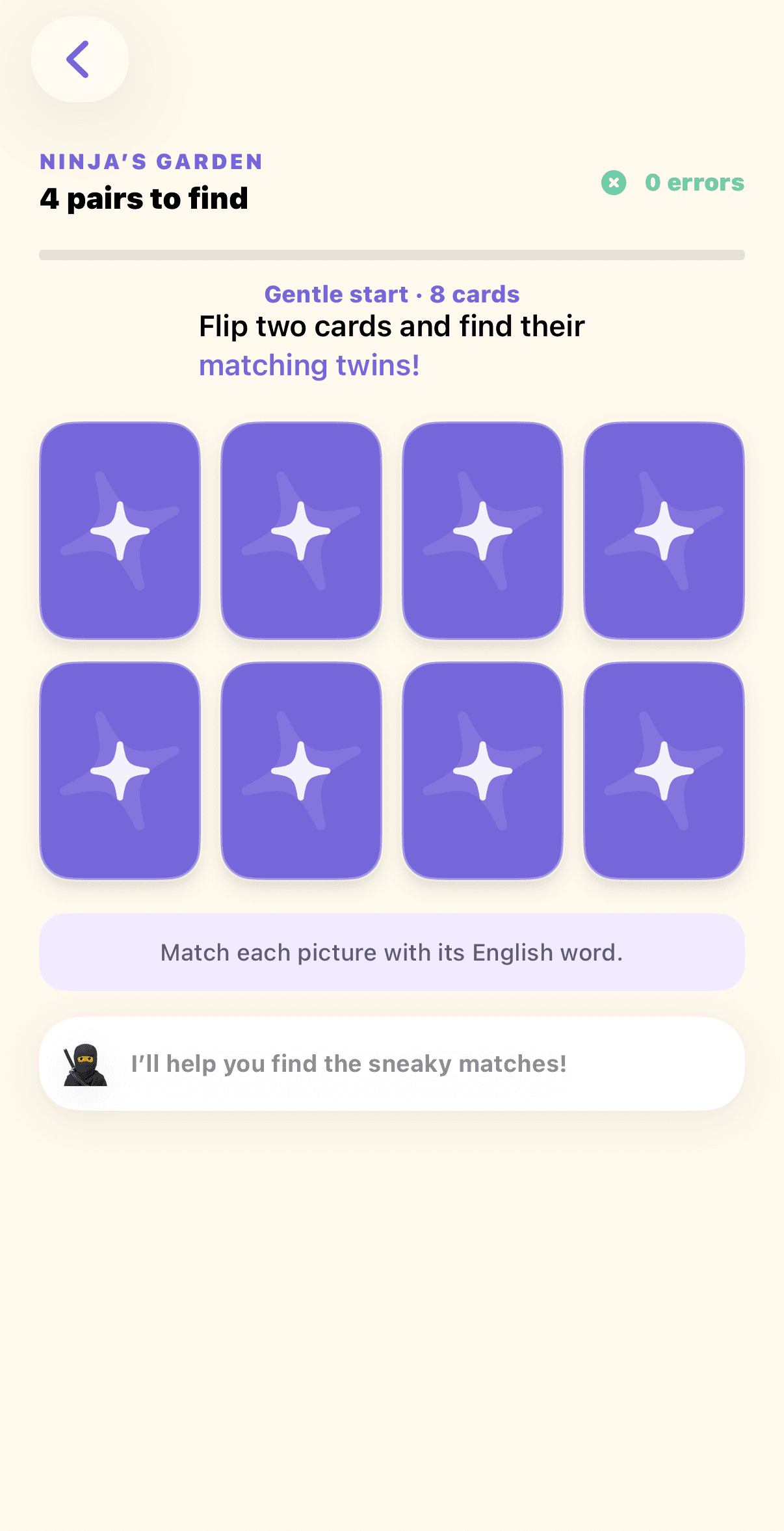
- 2Flip two cards and look for a matching picture-and-word pair. In Mix mode, an English card matches its Japanese twin.
- 3Keep the pair when it matches. If it does not, the cards turn back over so you can remember their places.
- 4Find every pair to clear the world and record your best round with the fewest mistakes.
- 5With the all-worlds unlock, play Online Match with a friend or another Game Center player and take turns on one shared board.
From the app
Also in the series

Drive Go Go
Learn words. Drive further. Have fun.
A gentle driving-and-spelling game for beginning learners. A word appears with one letter missing — collect the right letter from the road while you drive.
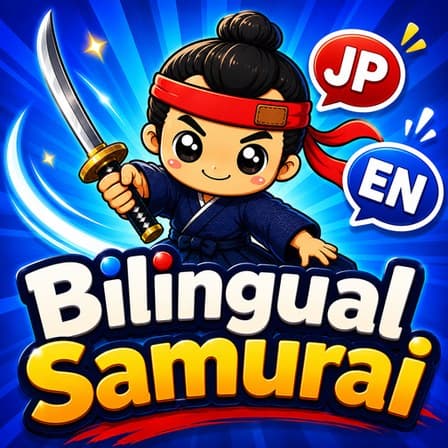
Bilingual Samurai
Slice the spelling.
A fast slicing game. A word appears, letter and kana tiles fly up from below, and you slice them in the right order before time runs out.
Bilingual Ninja
Collect letters. Avoid the monsters.
Move through a maze and collect letters to finish a word. Avoid the monsters, called oni, as you go.
 Coming Soon
Word Fall
Make words. Clear the sky.
A word puzzle with falling letters. Move pieces with two letters onto the board. Make words across or down to clear them.
 Play on web
TwinkleTouch
A little world of light and sound.
A simple light and sound app for babies and young children. Tap or move a finger to make stars, colours, and soft sounds.